
Share a guest link. Friends can view in the browser.
SplitSlip keeps group spending organized: scan receipts, split costs fairly, and instantly see balances. Built for real life—shared purchases with real people.
Free forever for core. Optional AI receipt scanning in the app.
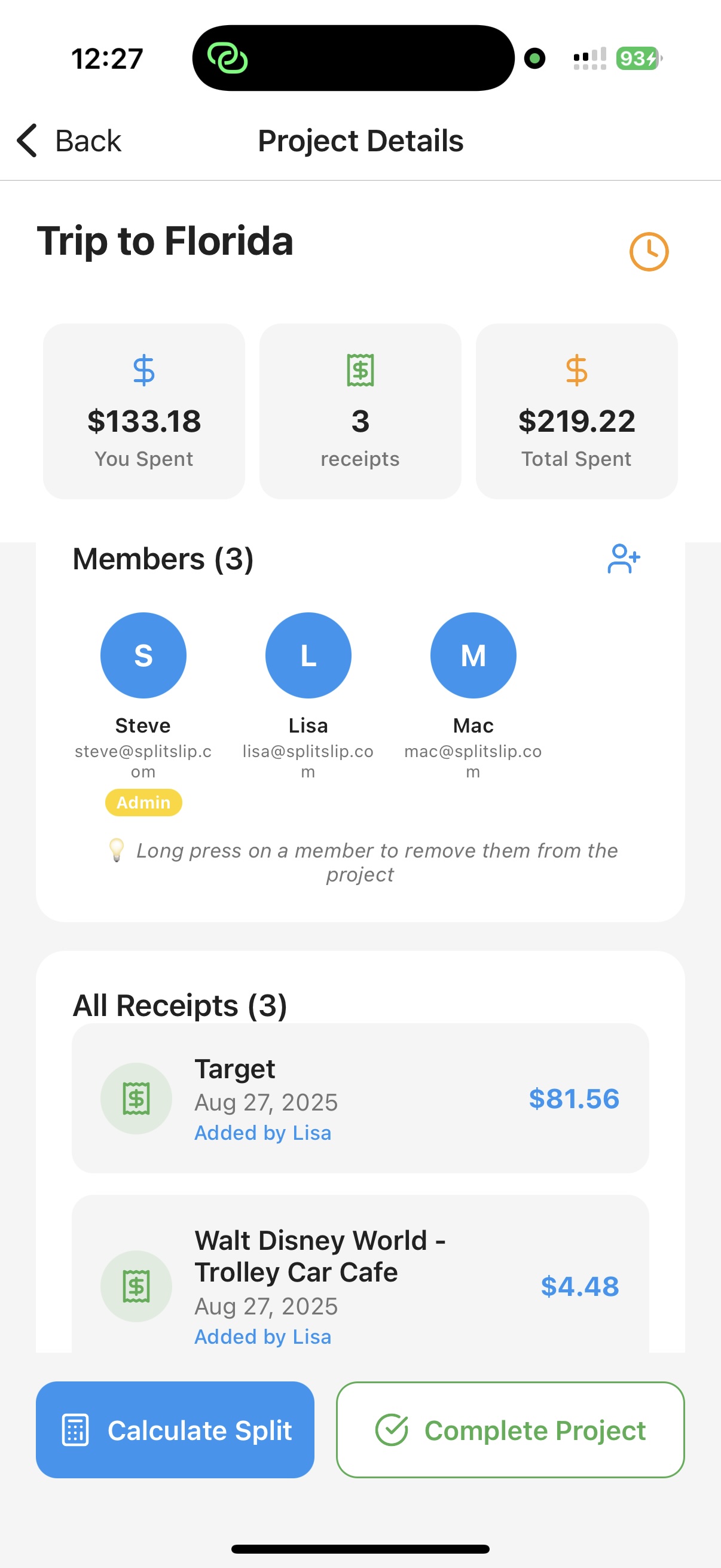
Track receipts + balances in one place.
Add or scan receipts, assign items to people — including guests — and share a guest link. Friends can view items, balances and settlement status in the browser (read-only) — no app or login to look. You manage the project in the app and settle money outside SplitSlip.
The best group expense tracker is simple enough to use during the trip—yet detailed enough to avoid confusion later. SplitSlip combines receipts, projects and settlement so you always have a clean overview.
Keep proof and details for each purchase—no guessing later.
Create a trip, household, or event project to keep everything organized.
Split evenly or customize shares when the cost isn’t shared equally.
See what everyone owes and who paid. You settle money outside the app.
A group expense tracker helps you manage shared spending when multiple people pay for different things. This could be a vacation, a cabin weekend, roommates buying groceries, or families sharing costs. The goal is simple: keep a record of expenses and calculate who owes what—without stress.
SplitSlip is built for group spending. You create a project for your trip, household or event, then add expenses as you go. Each expense can include a receipt photo, notes, and participants. When you split the cost, SplitSlip updates balances automatically so the group always has a clear overview.
A big reason group expense tracking fails is missing details. A receipt photo solves that instantly. If you’re searching specifically for a receipt scanner, visit: Receipt Scanner App for splitting bills.
At the end of a trip or month, you don’t want accounting—just closure. SplitSlip shows what everyone owes and who paid. You settle money outside the app.
Want the simplest method for friend groups? Split expenses with friends.
A group expense tracker helps several people keep shared spending in one project and see who owes what. You settle the money outside the app.
Yes. Create a project for the trip and add restaurant bills, groceries, and activities as you go. SplitSlip shows who owes what. You settle the money outside the app.
Yes. Add the dinner to the group project. Split it evenly, or assign each item when people did not share everything.
Yes. Assign items to the people who had them, or split a shared item across those people. Use an even split when everyone shared it the same way.
Add the bill to the group project and assign each dish or drink to the person who had it. A shared item can be split across the people who had it. Friends can view a guest link in the browser, and that link is view-only. To join and edit, they install SplitSlip and sign in. You settle the money outside the app.
No. SplitSlip keeps the receipts and shows who owes what. You still settle the money outside the app.
Scan receipts, split costs fairly, and get a clean settle-up overview for your group.